
Pokemons
Images, rules, commands, Top Users, Shop and Trade Market

Overview
From time to time, the bot announces a pokemon appearing in chat. Type p or poke within 20s to catch it and add it to your inventory. Each pokemon has an associated points value.
Spawn example: [Pokemons] Pikachu appeared (50p). Type 'p' or 'poke' in 20s!
Catch example: p • Bot (PM): “You collected a new pokemon: Pikachu”.
Commands & Usage
Basics
- Start: poke start • Stop: poke stop
- Interval: poke interval <seconds> (min 10)
- Status: poke status
- Shop catalog: poke shop
- Your slots (inventory): poke slots
Shop
- Buy by name: poke buy <name>
Example: poke buy Pikachu
Sell
- Sell one: poke sell <name> [price]
- Sell all (confirm): poke sell all then poke confirm
- List for market: poke sell list <name> <price> [qty]
Trade Market
- View best offers: poke trade (top 5 by price)
- View your listings: poke trade mine
- Cancel listing: poke trade cancel <id>
- Buy listing: poke buy <id> [qty]
- Full list: pokemons.php
Admin (xEmma / ID 1212120)
- Add to user: poke admin add <xatid> <name> [qty]
- Add full catalog: poke admin addall <xatid> [qty]
Notes
- Points are required to buy in shop/market.
- Market sorts best offers by lowest price first.
- Spawned pokemons expire after 20s if not collected.
Shop
Catalog with values. Buy in chat using -poke buy <name>.

Pikachu
50000p
Command: -poke buy Pikachu

Charmander
60p
Command: -poke buy Charmander

Squirtle
55p
Command: -poke buy Squirtle

Bulbasaur
58p
Command: -poke buy Bulbasaur

Eevee
65p
Command: -poke buy Eevee

Jigglypuff
40p
Command: -poke buy Jigglypuff

Meowth
42p
Command: -poke buy Meowth

Psyduck
45p
Command: -poke buy Psyduck

Snorlax
80p
Command: -poke buy Snorlax

Gengar
85p
Command: -poke buy Gengar

Mewtwo
100p
Command: -poke buy Mewtwo

Dragonite
95p
Command: -poke buy Dragonite

Lapras
90p
Command: -poke buy Lapras

Vulpix
50p
Command: -poke buy Vulpix
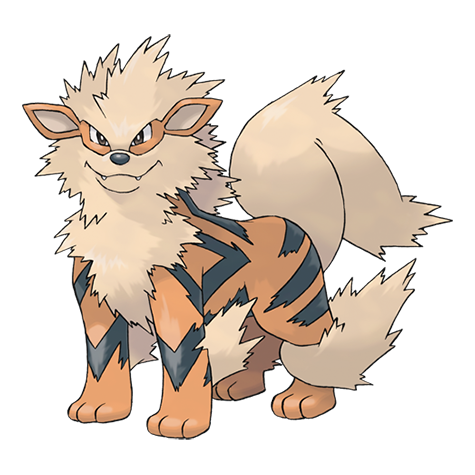
Arcanine
88p
Command: -poke buy Arcanine

Machamp
92p
Command: -poke buy Machamp

Alakazam
93p
Command: -poke buy Alakazam

Gyarados
97p
Command: -poke buy Gyarados

Onix
70p
Command: -poke buy Onix

Scyther
89p
Command: -poke buy Scyther

Magikarp
20p
Command: -poke buy Magikarp

Moltres
99p
Command: -poke buy Moltres

Zapdos
99p
Command: -poke buy Zapdos

Articuno
99p
Command: -poke buy Articuno

Charizard
98p
Command: -poke buy Charizard

Blastoise
96p
Command: -poke buy Blastoise

Venusaur
95p
Command: -poke buy Venusaur

Snivy
52p
Command: -poke buy Snivy

Tepig
53p
Command: -poke buy Tepig

Oshawott
54p
Command: -poke buy Oshawott
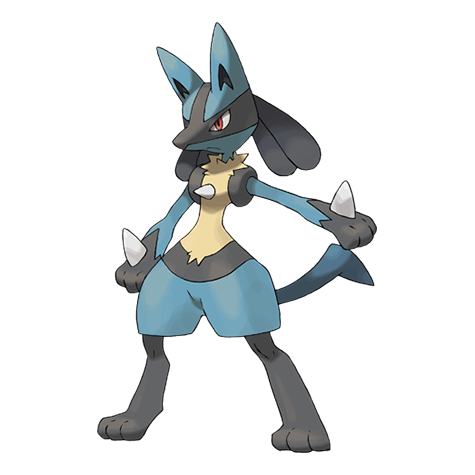
Lucario
94p
Command: -poke buy Lucario

Greninja
96p
Command: -poke buy Greninja

Togekiss
90p
Command: -poke buy Togekiss

Garchomp
97p
Command: -poke buy Garchomp
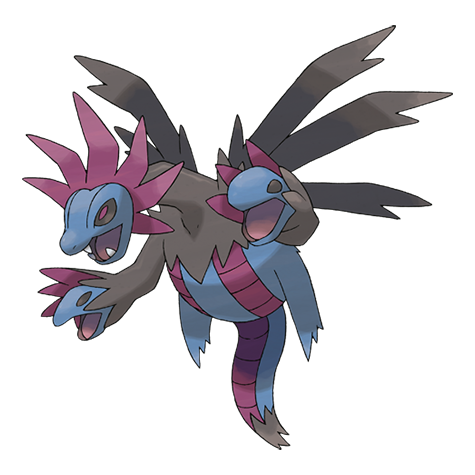
Hydreigon
98p
Command: -poke buy Hydreigon
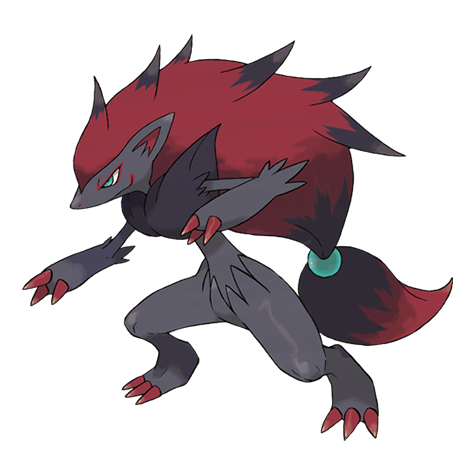
Zoroark
88p
Command: -poke buy Zoroark

Sylveon
85p
Command: -poke buy Sylveon
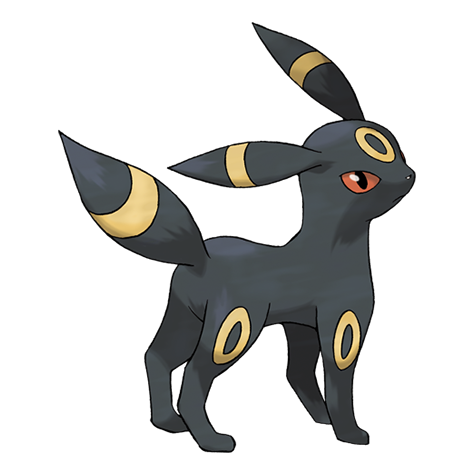
Umbreon
84p
Command: -poke buy Umbreon

Espeon
83p
Command: -poke buy Espeon

Leafeon
82p
Command: -poke buy Leafeon

Glaceon
82p
Command: -poke buy Glaceon

Flareon
82p
Command: -poke buy Flareon

Vaporeon
82p
Command: -poke buy Vaporeon

Snorunt
45p
Command: -poke buy Snorunt

Tyranitar
99p
Command: -poke buy Tyranitar
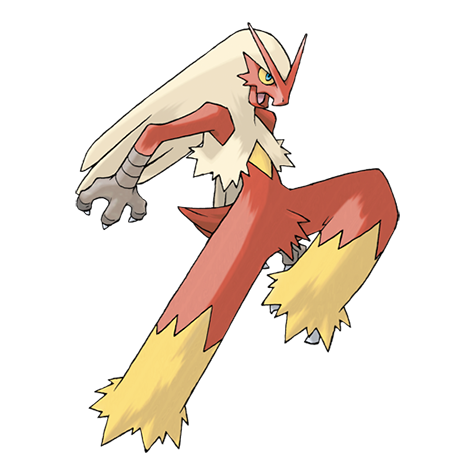
Blaziken
94p
Command: -poke buy Blaziken
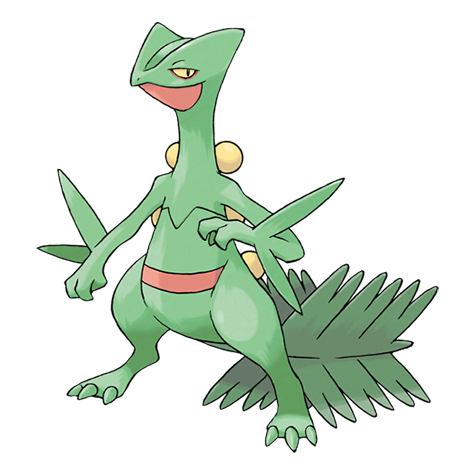
Sceptile
91p
Command: -poke buy Sceptile
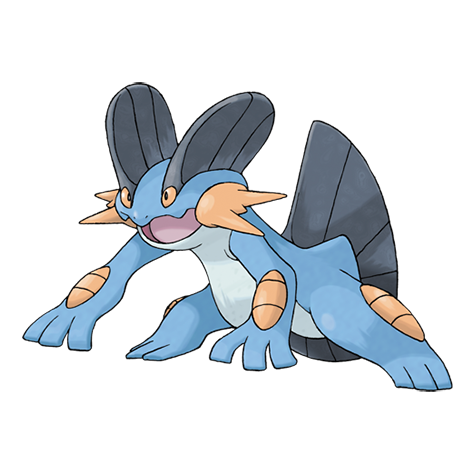
Swampert
92p
Command: -poke buy Swampert

Metagross
97p
Command: -poke buy Metagross

Salamence
96p
Command: -poke buy Salamence

Gardevoir
93p
Command: -poke buy Gardevoir

Mamoswine
90p
Command: -poke buy Mamoswine

Togepi
40p
Command: -poke buy Togepi
Top Users
1
x1
x1
x1
x1
x1
x1
x1
x1
+44 more
xEmma
x1
x1
x1
x1
x1
x1
x1
x1
54625p
2
x1
1556176437
x1
96p
3
x1
mafi10031990
x1
88p
4
x1
PLUCKY
x1
58p
Trade Market
Active listings from database.
#1 · Metagross
ChatID: 83086549
Price: 500p
Quantity: 1
Seller: 1212120
Buy in chat: -poke buy 1 [qty]
Useful commands
-poke trade • -poke trade mine
-poke sell list <nume> <pret> [cant]
-poke trade cancel <id>
Advanced settings
The game uses dedicated tables for inventory and trade market. Per-chat settings are stored for interval and status.
Tables: user_pokemons, pokemon_trade, pokemon_settings.
Tips
Too small interval can flood the chat; we recommend at least 10–30s. Use -poke status to quickly check the game status.